SOLAR BATTERY GUIDE
Why a Battery Management System Matters in Solar Storage
Share on social media
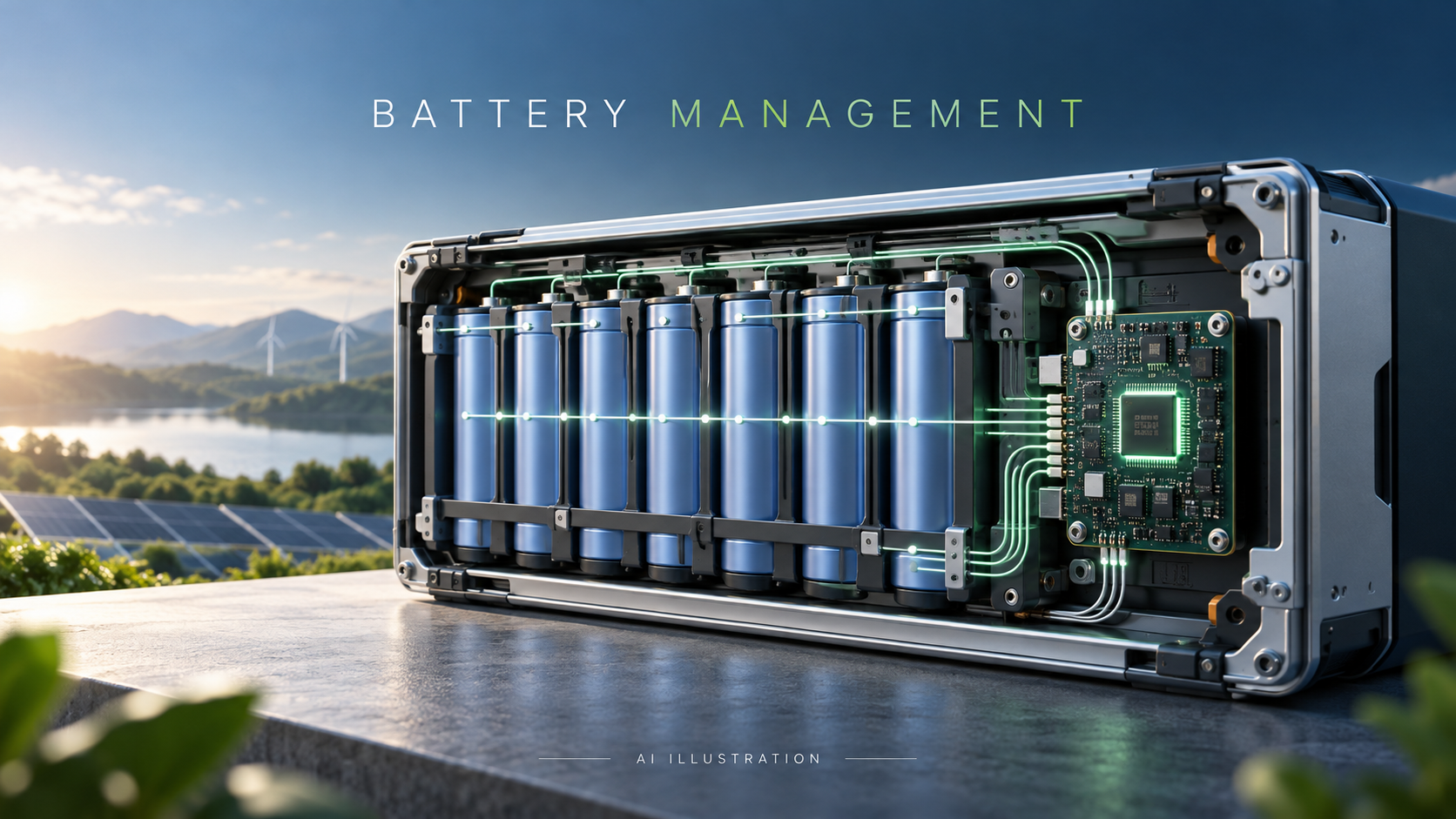
A BMS helps keep a lithium battery within its operating limits. Its protection, balancing and communication capabilities must match the battery and inverter system.
A solar battery is more than a box with a capacity label. Inside a lithium battery pack are individual cells that must operate within suitable voltage, temperature and current limits. The battery management system, or BMS, monitors important operating conditions and helps the system respond when those limits are approached.
For a home or business buying solar backup in Pakistan, understanding the BMS can make the purchase discussion more useful. Ask what the complete battery and inverter combination can safely deliver, rather than judging the battery only by its advertised kilowatt-hours.
What does a BMS actually do?
Depending on the design, battery management functions include monitoring cell voltages and temperature, measuring current, detecting abnormal conditions, balancing cells and estimating battery state of charge. Some products combine these functions; others distribute them across separate components.
Texas Instruments describes battery monitoring, protection and gauging as related capabilities, with protection devices addressing conditions such as overvoltage, undervoltage, overcurrent and short circuit. The features present in a particular solar battery must still be checked in its own documentation. TI battery management overview
Why individual cell monitoring matters
The voltage shown on the battery or inverter display is often a pack-level figure. That overall reading does not describe every cell’s condition. Cell monitoring allows the management system to respond when an individual cell approaches a limit, even when the overall display appears unremarkable.
Cell balancing helps address differences between cells. Passive balancing dissipates excess energy from higher-charged cells, while active balancing transfers energy between cells. Neither approach should be assumed merely because a brochure says “smart battery.” Ask which method the product uses and what its manufacturer specifies. TI energy storage design resources
Balancing also cannot turn a damaged battery into a healthy one. Persistent imbalance or repeated protective shutdowns deserve diagnosis rather than an instruction to ignore the warning.
Protection must reach the chargers and loads
A BMS needs a way to influence the system. Depending on the product, it may control switching devices, send allow-charge and allow-discharge signals, or communicate limits to connected equipment.
Victron’s system-design guide illustrates why BMS selection depends on the architecture and equipment being controlled. Different BMS models have different interfaces and switching arrangements. Victron BMS selection guide
This matters if several devices can charge the same battery. A compatible inverter does not automatically make an additional charger safe. All charging paths and loads need to be included in the design. Victron specifically warns that chargers and loads outside BMS control can damage the battery and requires combined charge and discharge currents to respect battery limits. Victron configuration guidance
Temperature limits are product-specific
A BMS may stop charging or discharging because the battery is too hot or too cold. That can be a protective response rather than evidence that the inverter has failed.
Read the exact battery manual for temperature limits and any current reductions. Do not apply one manufacturer’s thresholds to every lithium battery. Victron’s Lithium NG manual, for example, gives defined operating ranges and temperature-dependent current restrictions for that product family. Victron Lithium NG operating conditions
For installations exposed to summer heat, discuss room temperature and ventilation before purchase. Never bypass a temperature warning to obtain more backup time. If a battery becomes unusually hot, damaged or emits smoke, keep people away and seek emergency assistance rather than attempting a DIY repair.
A communication cable does not prove compatibility
A battery and inverter may both advertise CAN or RS485, but matching port names alone does not establish a supported combination. Confirm the exact models, communication protocol, cable pinout and any required firmware or settings with their manufacturers.
Victron publishes battery-specific integration guidance, illustrating that compatibility needs to be established at system level rather than inferred from a connector. Victron battery compatibility
Ask the installer to demonstrate normal communication and explain what happens if communication is lost. A successful power-on is not the same as a fully commissioned system.
Six questions to ask before buying
- What are the battery’s continuous and permitted peak charge and discharge currents?
- Is this exact inverter and battery combination supported in writing?
- Which BMS functions are included, and which require external equipment?
- Are every charger and load included in the protection design?
- What do alarms mean, and who provides diagnosis and warranty support?
- What external fuses, isolation, cables and installation protections does the manufacturer require?
Have a qualified installer verify those external protections. A BMS does not remove the need for appropriate wiring, overcurrent protection, installation quality or a suitable battery location.
Bottom line
The BMS is an important part of a well-designed lithium storage system. Buy documented compatibility and properly commissioned protection, not just a larger capacity label. That gives the battery and inverter a better foundation for dependable everyday operation.